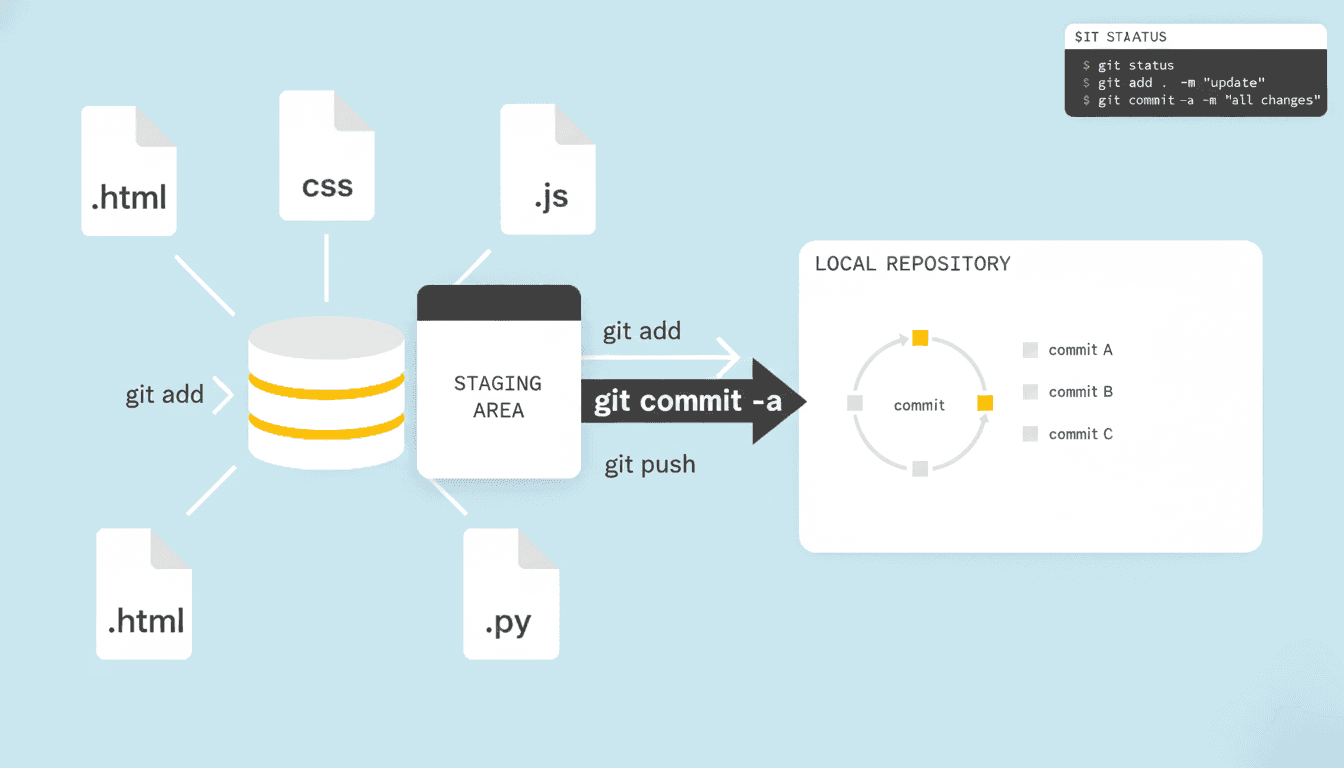
Understanding git commit -a in Git (Beginner-Friendly Guide)
TutorialJanuary 10, 20265 min read0 views
gitgithubgit-commitsoftware-developmentgit-for-beginners
Share:
Loading content...
Ready to build something amazing together?
Tell me about your project.
Let's create something together 🤘
Address
Faisalabad, Pakistan
git commit -a in Git (Beginner-Friendly Guide)If you use Git regularly, you’ve probably seen or heard about the command:
Loading code...
At first glance, it may look confusing, but once you understand it, this command can save time and speed up your workflow. In this article, we’ll break it down in simple terms, with real-world examples and best practices.
git commit -a?The -a flag stands for “all”.
When you run:
Loading code...
Git will:
👉 Think of it as a shortcut for:
Loading code...
git commit -aonly works for files that are already tracked by Git.
Loading code...
Loading code...
Output:
modified: README.md
-aLoading code...
✅ Done! No need to run git add.
Loading code...
❌ This will NOT work
Why? Because new_feature.dart is untracked.
Loading code...
You fix:
All files are already tracked.
Instead of:
Loading code...
You can simply do:
Loading code...
✔ Faster ✔ Cleaner ✔ Efficient
git commit -a vs Normal CommitLoading code...
-aLoading code...
| Feature | git commit -a |
|---|---|
| Stages modified files | ✅ |
| Stages deleted files | ✅ |
| Stages new files | ❌ |
| Faster workflow | ✅ |
| Selective control | ❌ |
git commit -a?Use it when:
Avoid git commit -a when:
Always run:
Loading code...
Before:
Loading code...
This prevents accidental commits.
-m)You can write a detailed commit message:
Loading code...
This opens the editor so you can follow proper commit message standards.